Open Source • MIT License

Game server management
that actually makes sense

AirLink is an open-source panel built with TypeScript — handles multiple game servers, user permissions, and extends through addons without touching core code.

GitHub Stars
Contributors
Commits
2
Repositories

Core Features

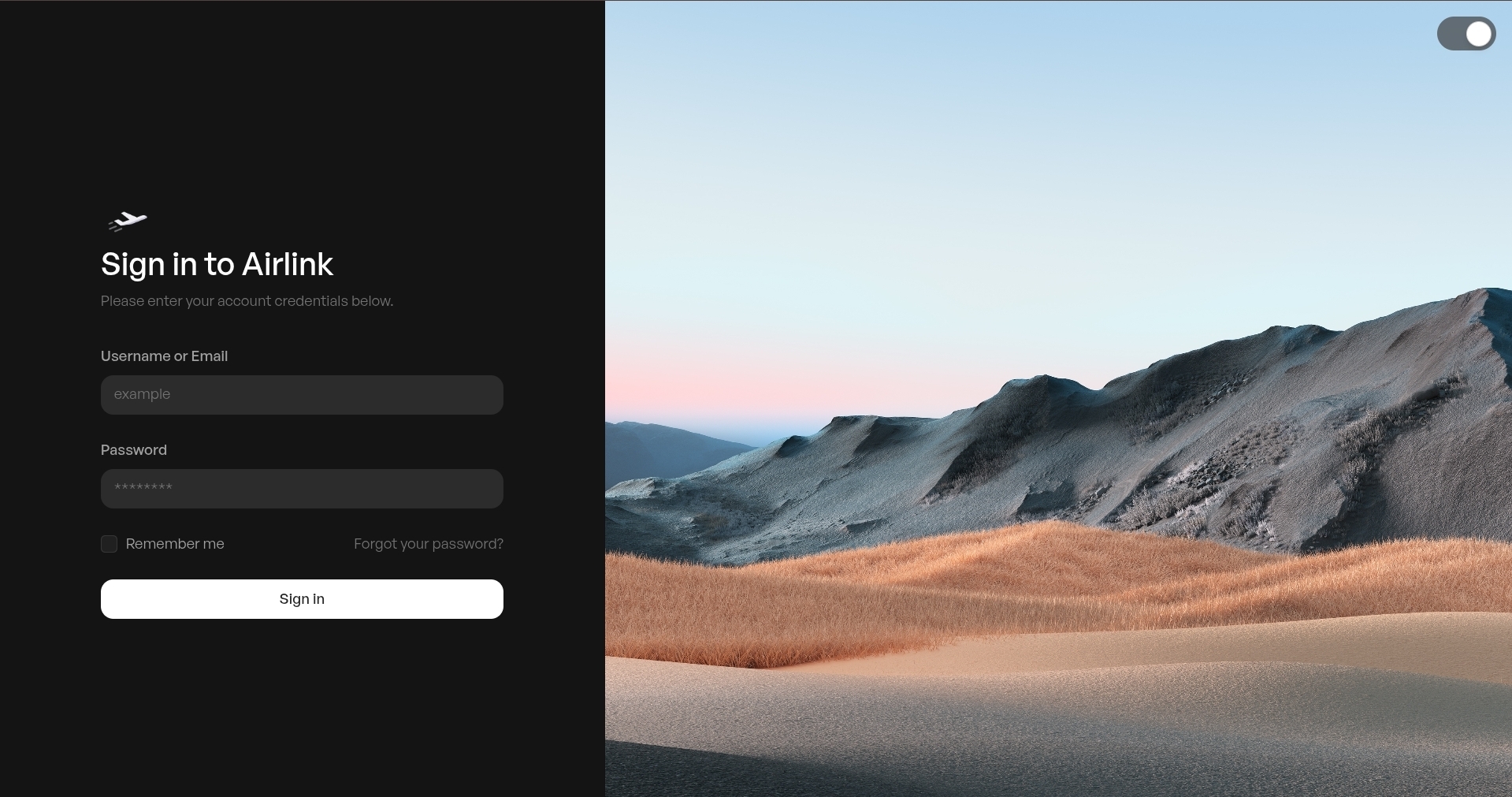
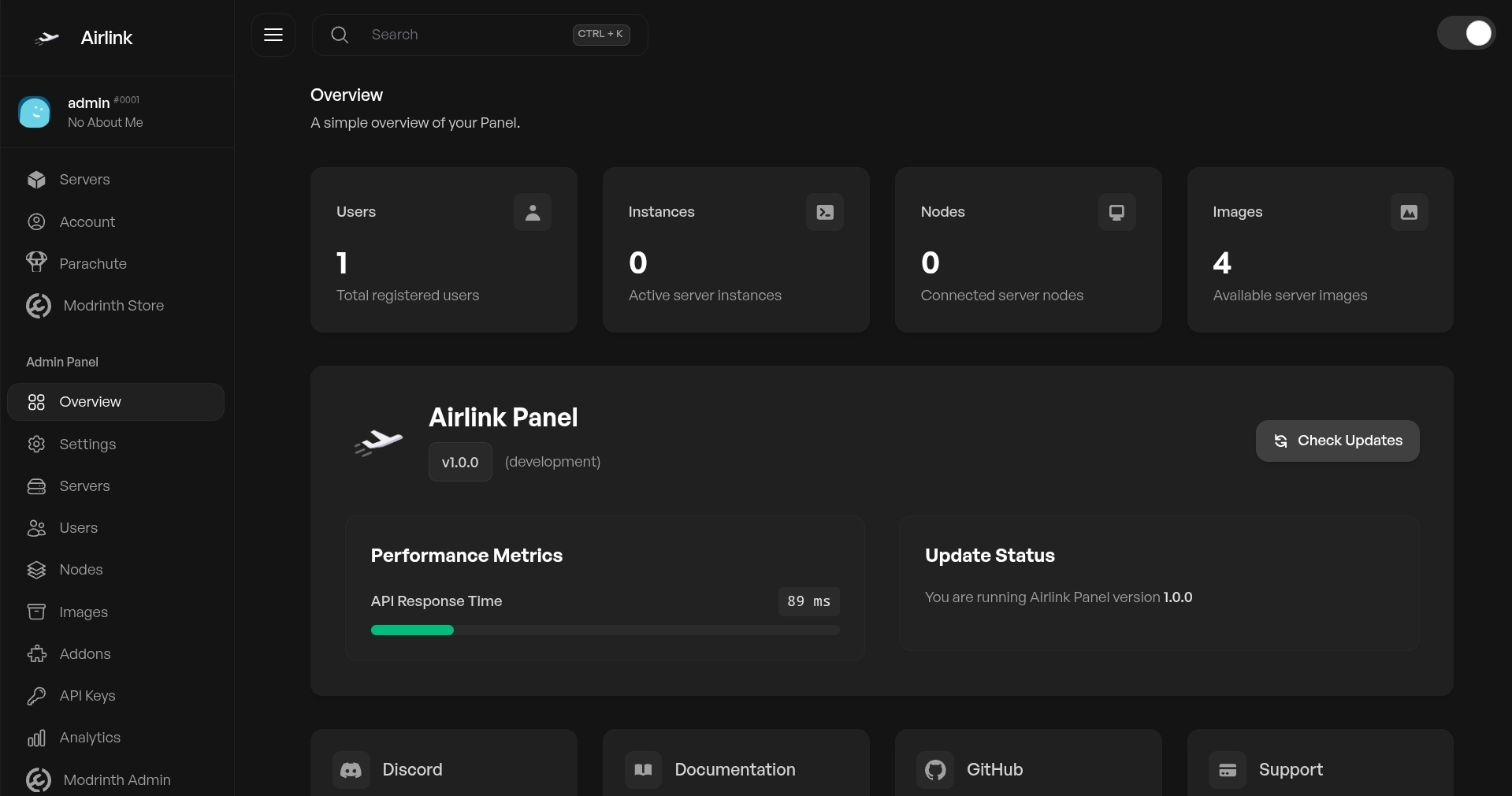
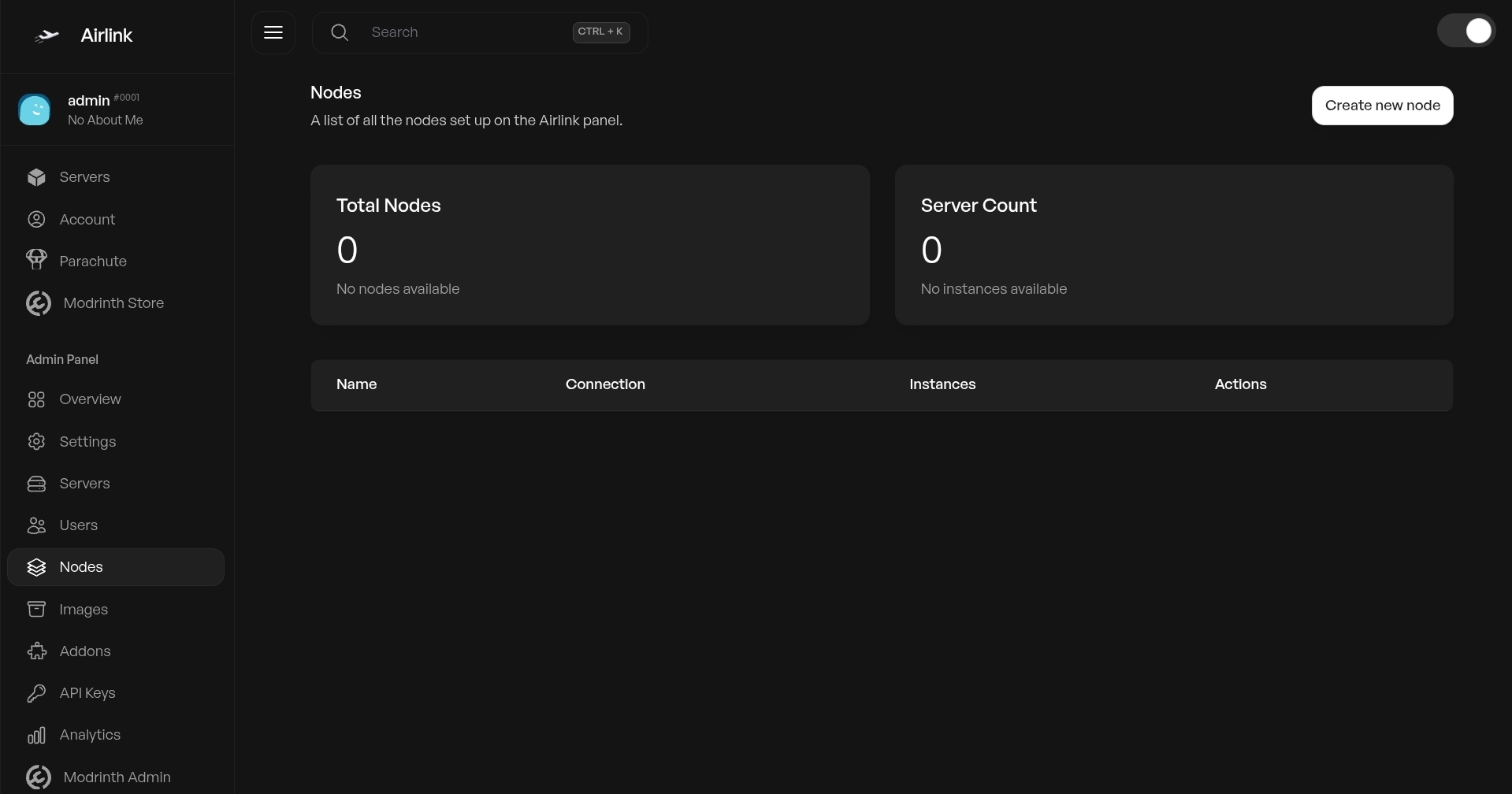
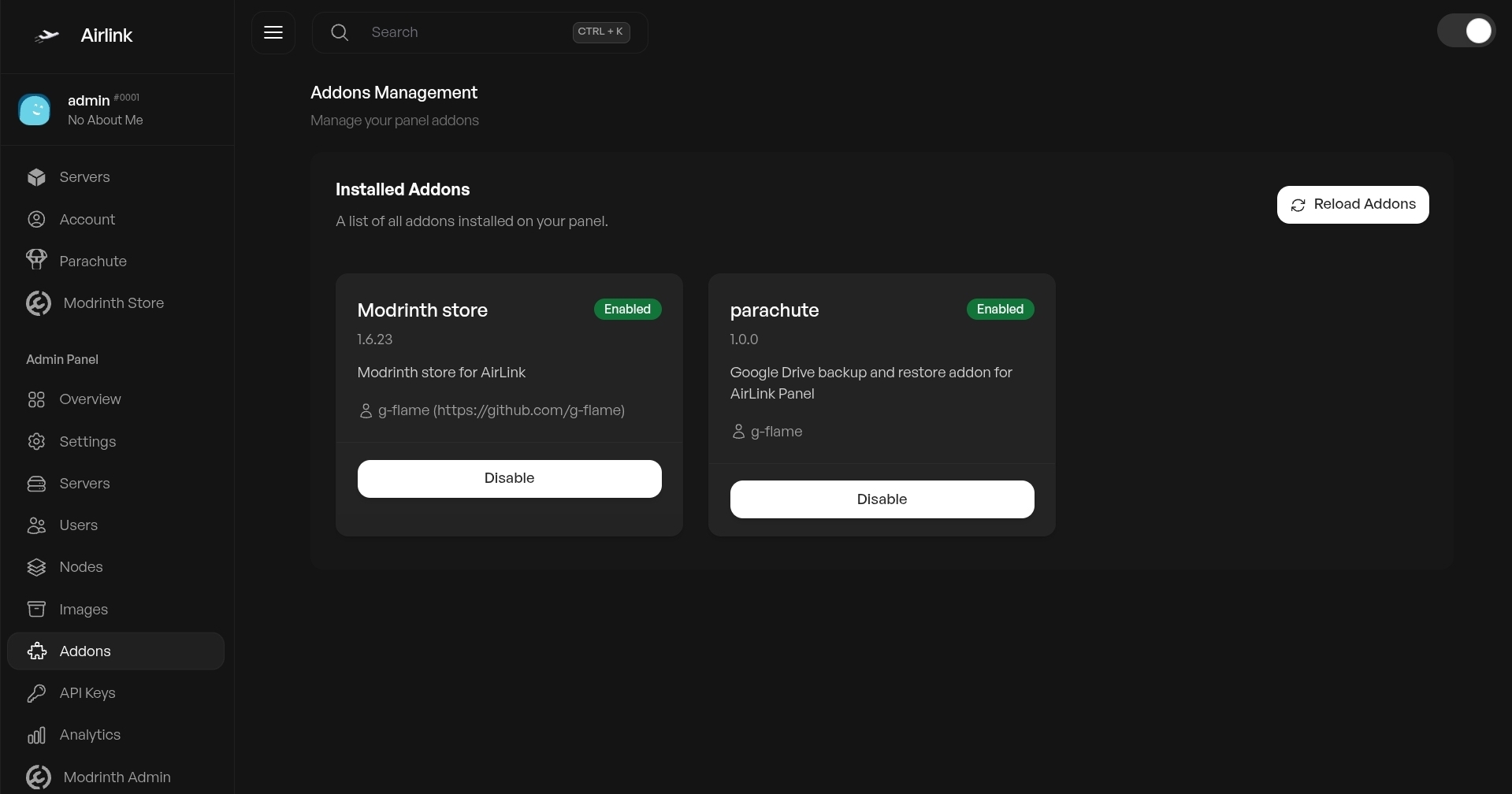
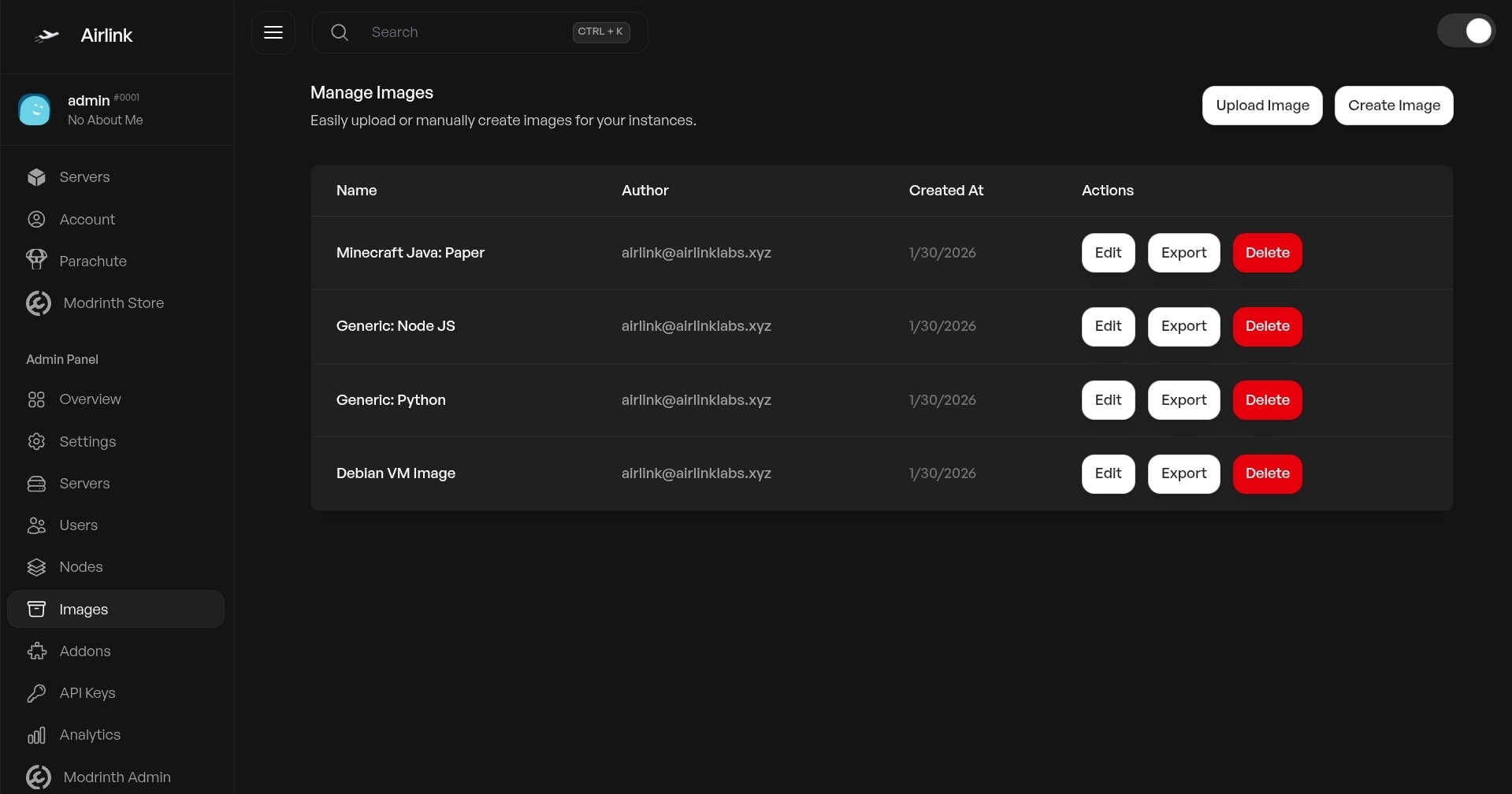
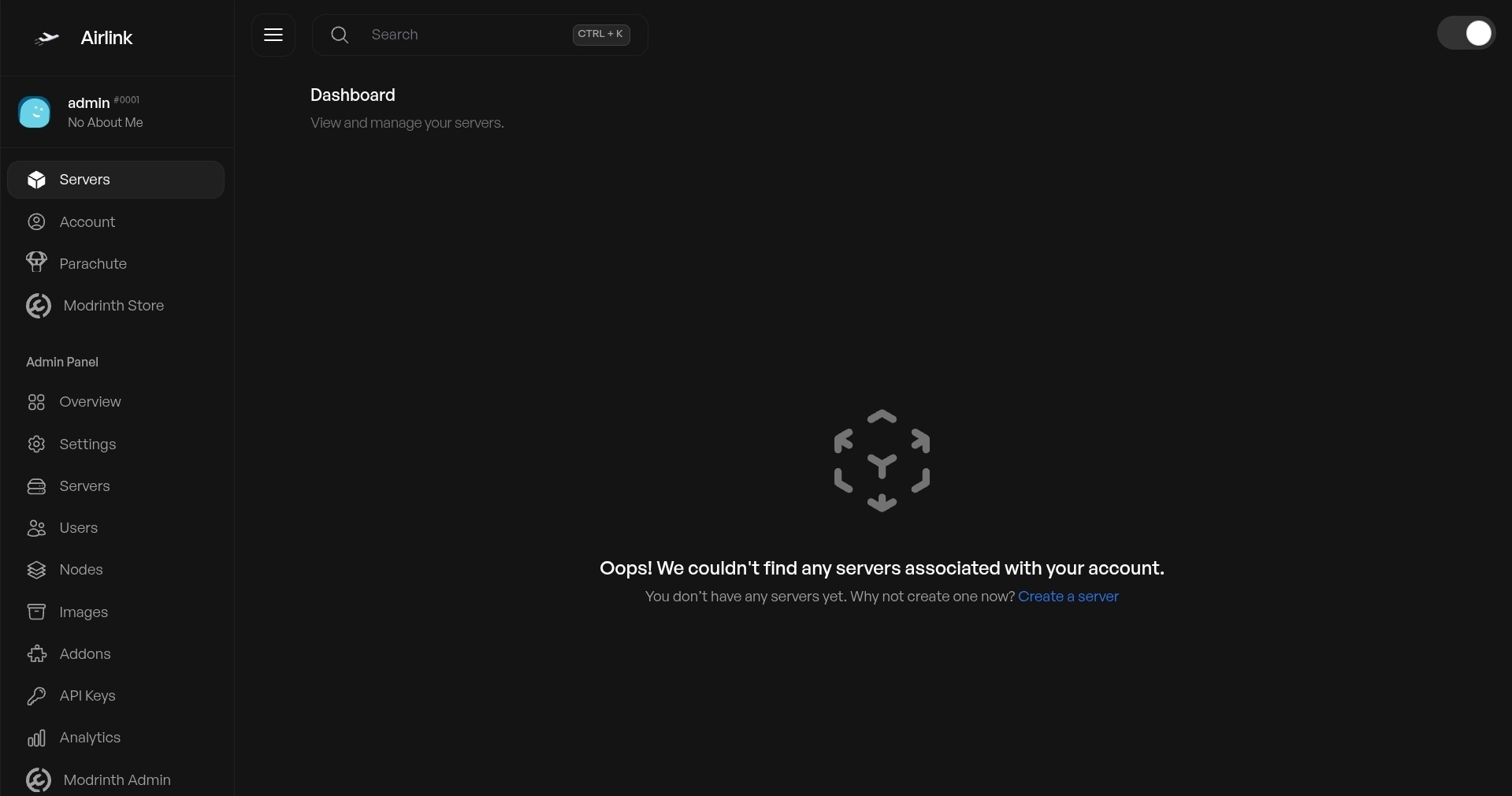
Click any card to see screenshots and full details.

Installation

Pick how you want to set things up.

Addon System

Extend the panel without touching core code.

How It Works

Each addon lives in its own folder under panel/storage/addons/. When enabled, it gets full access to the router, database, and UI system. Addons are isolated — enabling or disabling one never breaks the rest of the panel.

Migrations are defined in package.json and run automatically. Applied migrations are tracked so they never run twice.

Basic Structure

my-addon/ ├── package.json ├── index.ts ├── views/ │ └── main.ejs └── lib/ └── helpers.ts

Community Addons

Ready-to-use addons. Click any card for details and install steps.

Recent Activity

Latest commits across both repositories.

panel
Loading...
daemon
Loading...

The Team

People building and maintaining AirLink Panel.

Contributors
Total Commits
Stars

Click any card for full profile

Loading contributors...

GitHub

Community Add-ons

We're building a community addon registry! Soon you'll be able to browse and install addons from the community directly from this page.

Want to submit your addon? Here's how:

  1. Make sure your addon works with the latest version of AirLink Panel
  2. Add a README.md to your addon repository with install instructions
  3. Fork this documentation repository on GitHub
  4. Add your addon's info to config.json in the addons array
  5. Open a Pull Request with a clear description of what your addon does
# Fork the repo first, then: git clone https://github.com/YOUR_USERNAME/panel-docs cd panel-docs # edit config.json, add your addon git commit -am "feat: add my-addon to community list" git push origin main # then open a PR on GitHub!

Documentation